Swipe the sky to set it.
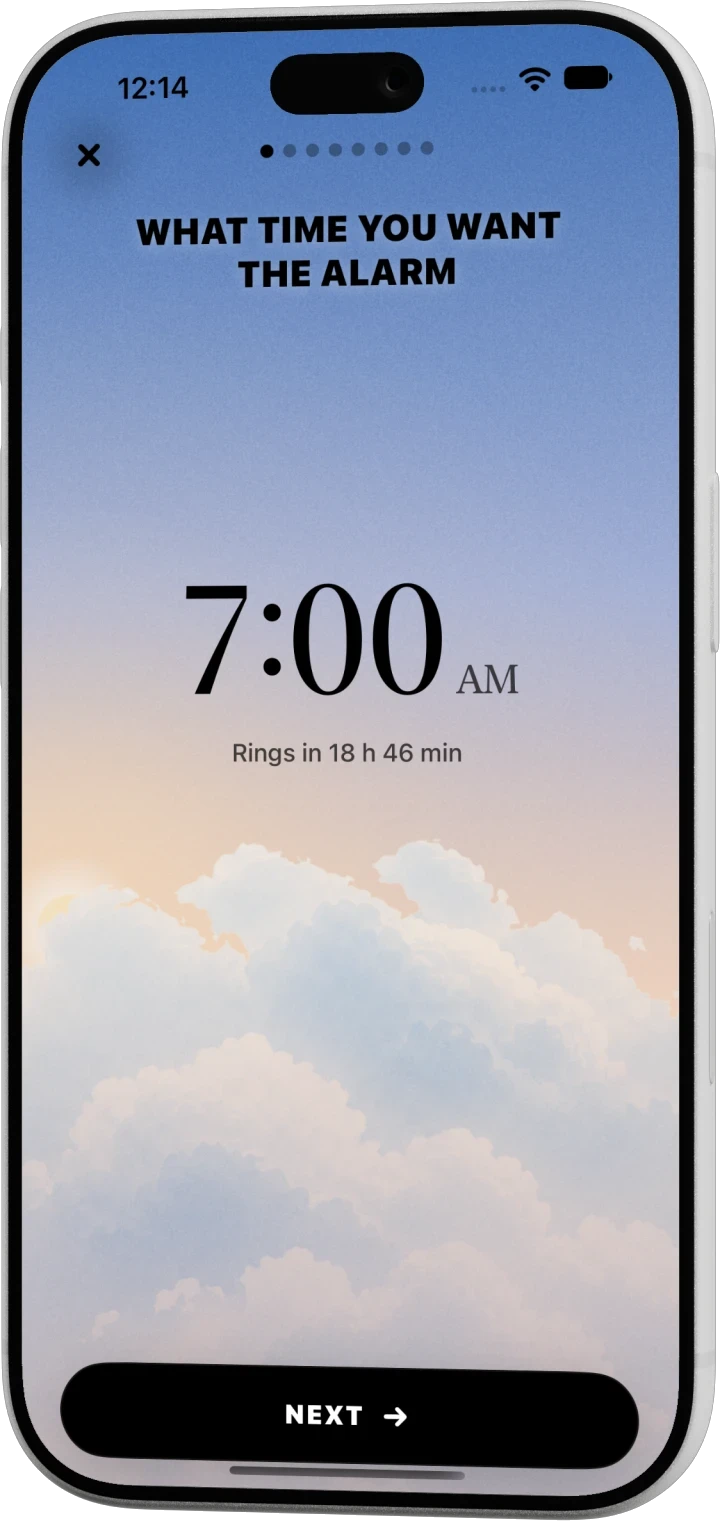
No scroll wheels. Drag across the sky and the sun follows: single minutes when you go slow, whole hours when you go fast.
Egersi is the alarm clock for iPhone that actually gets you up. Solve a quick puzzle to stop it, and make every alarm look like yours.
How it works
No scroll wheels. Drag across the sky and the sun follows: single minutes when you go slow, whole hours when you go fast.
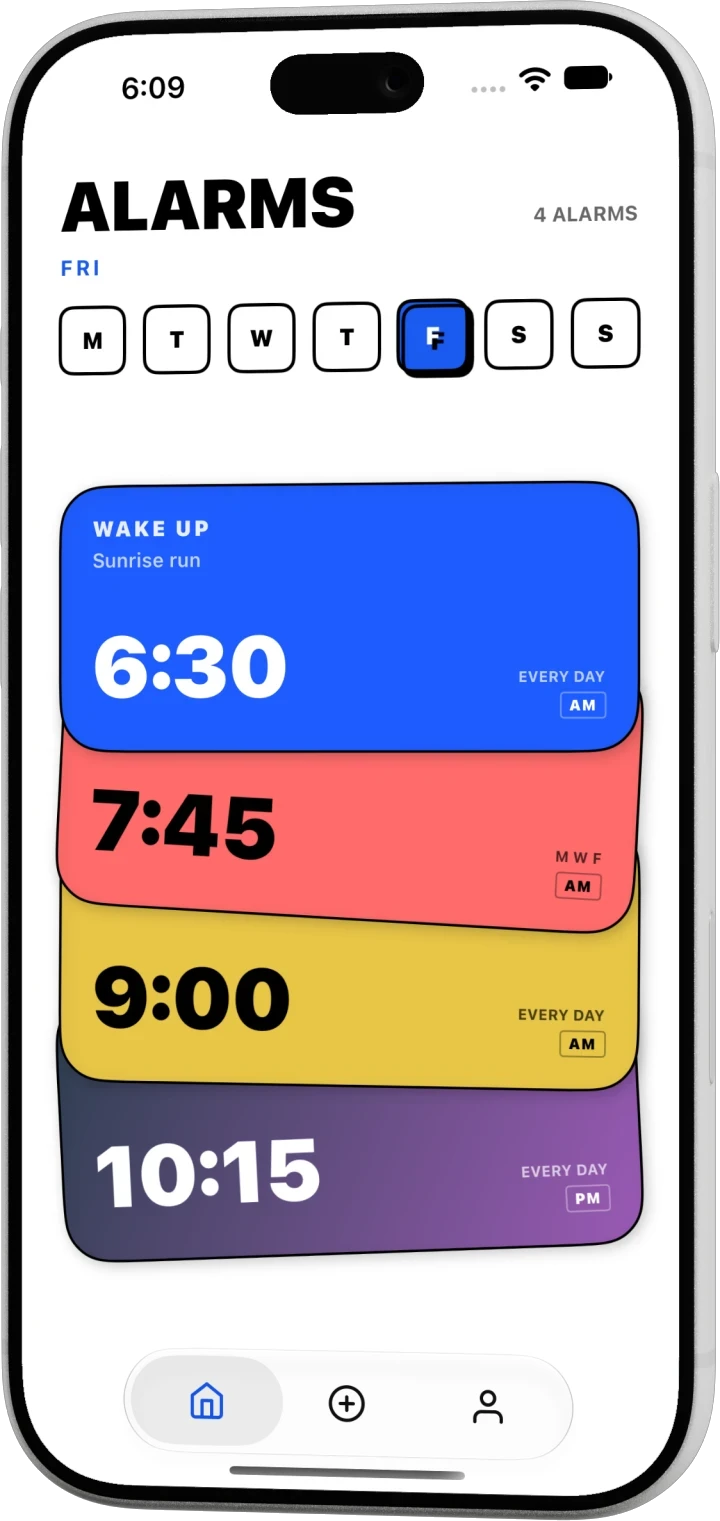
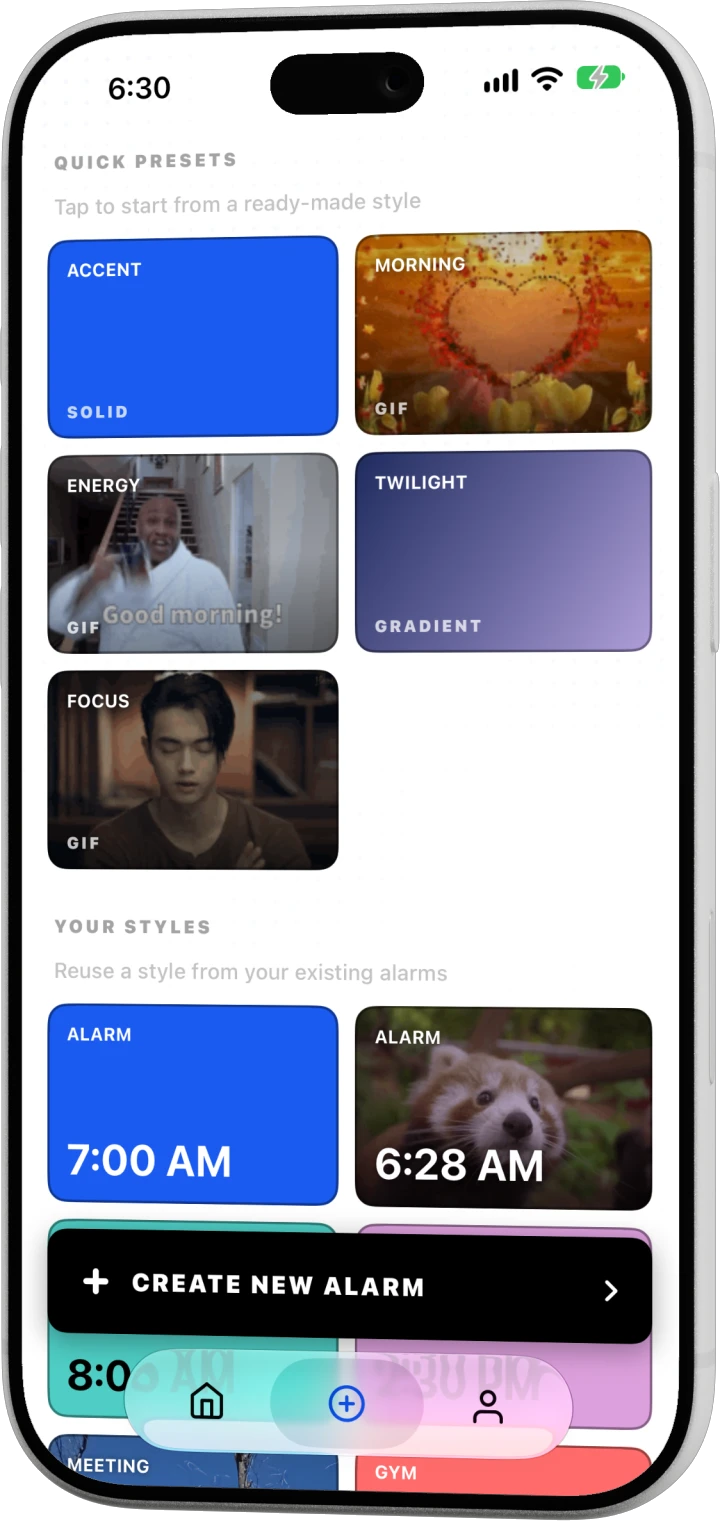
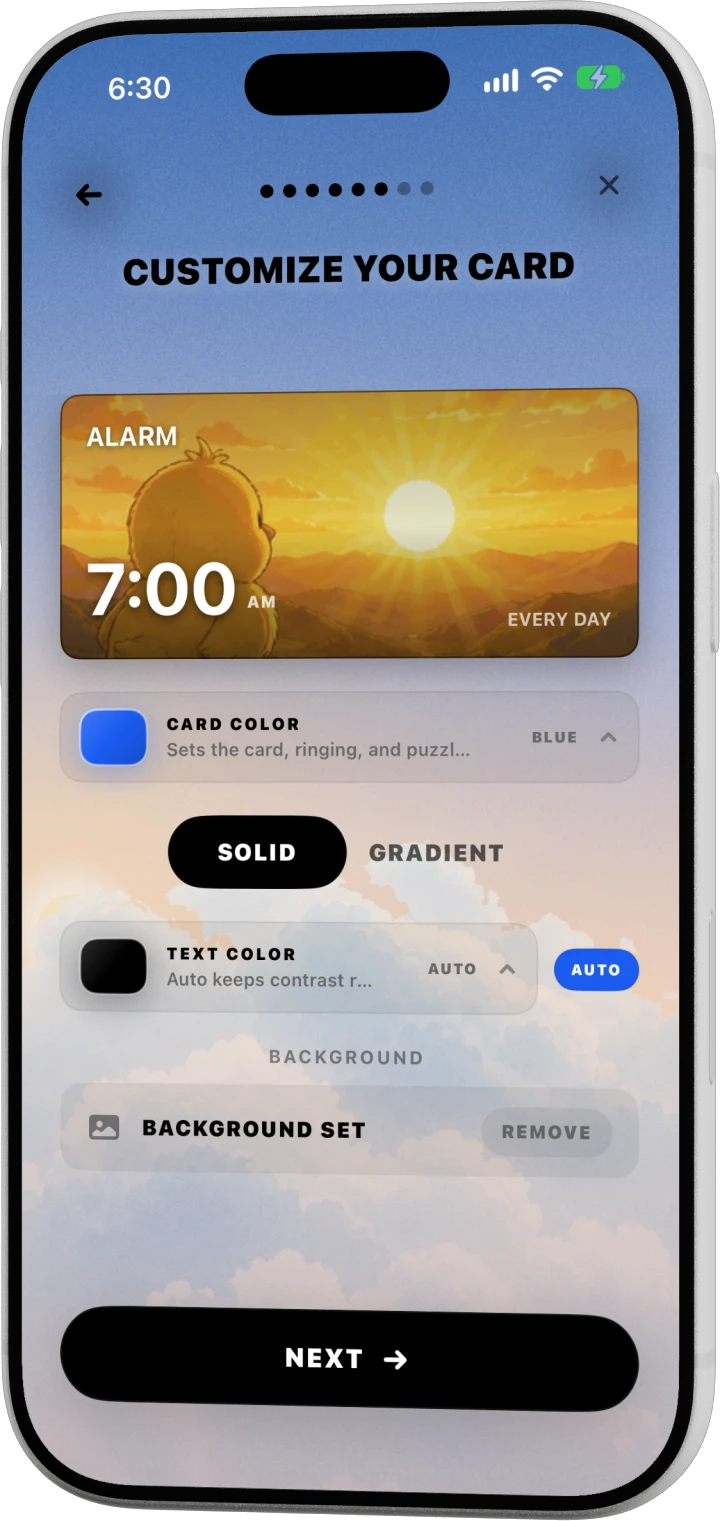
Start from a preset or pick a color, gradient, photo or GIF. Your 6:30 run and your 9:00 lecture shouldn't look the same.
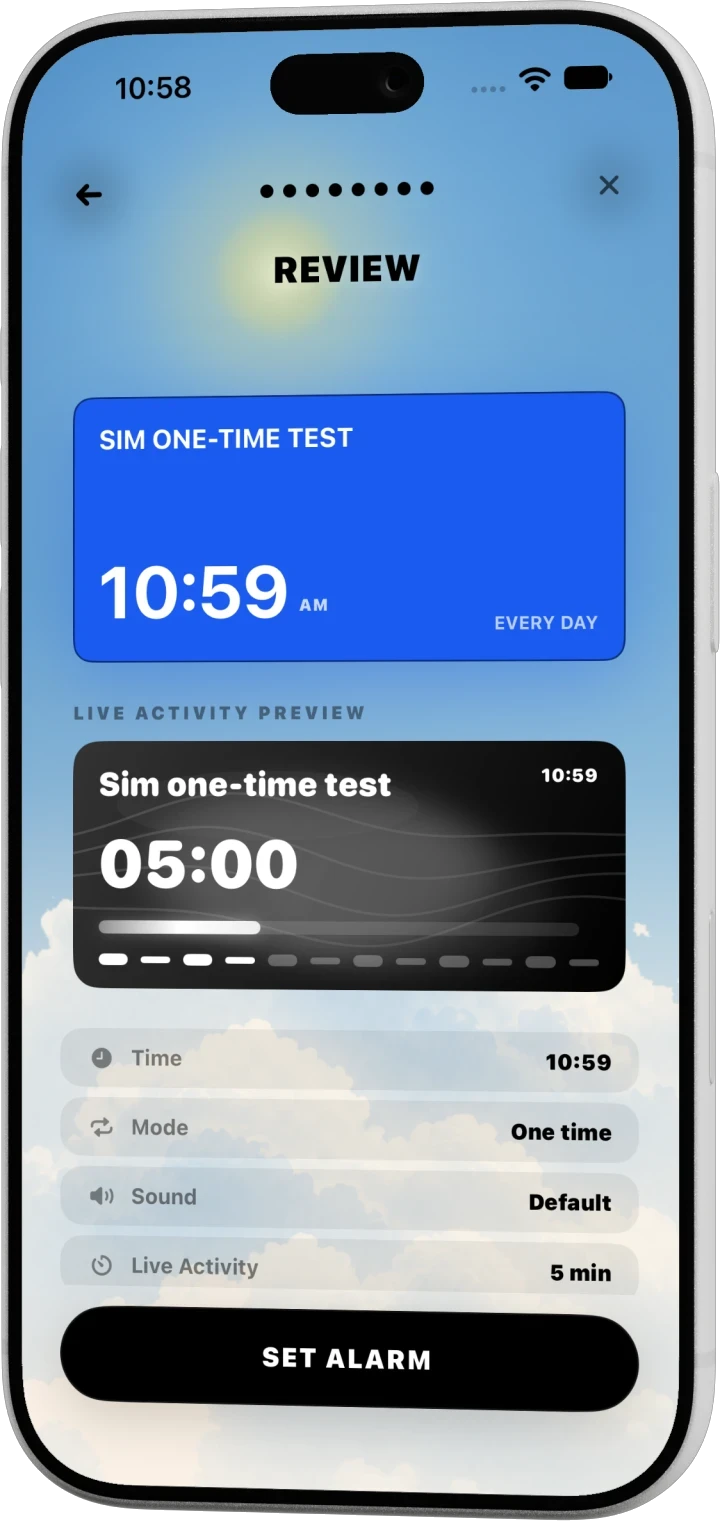
One review screen with the card, the Lock Screen countdown, the sound and the repeat. Then tap Set alarm.
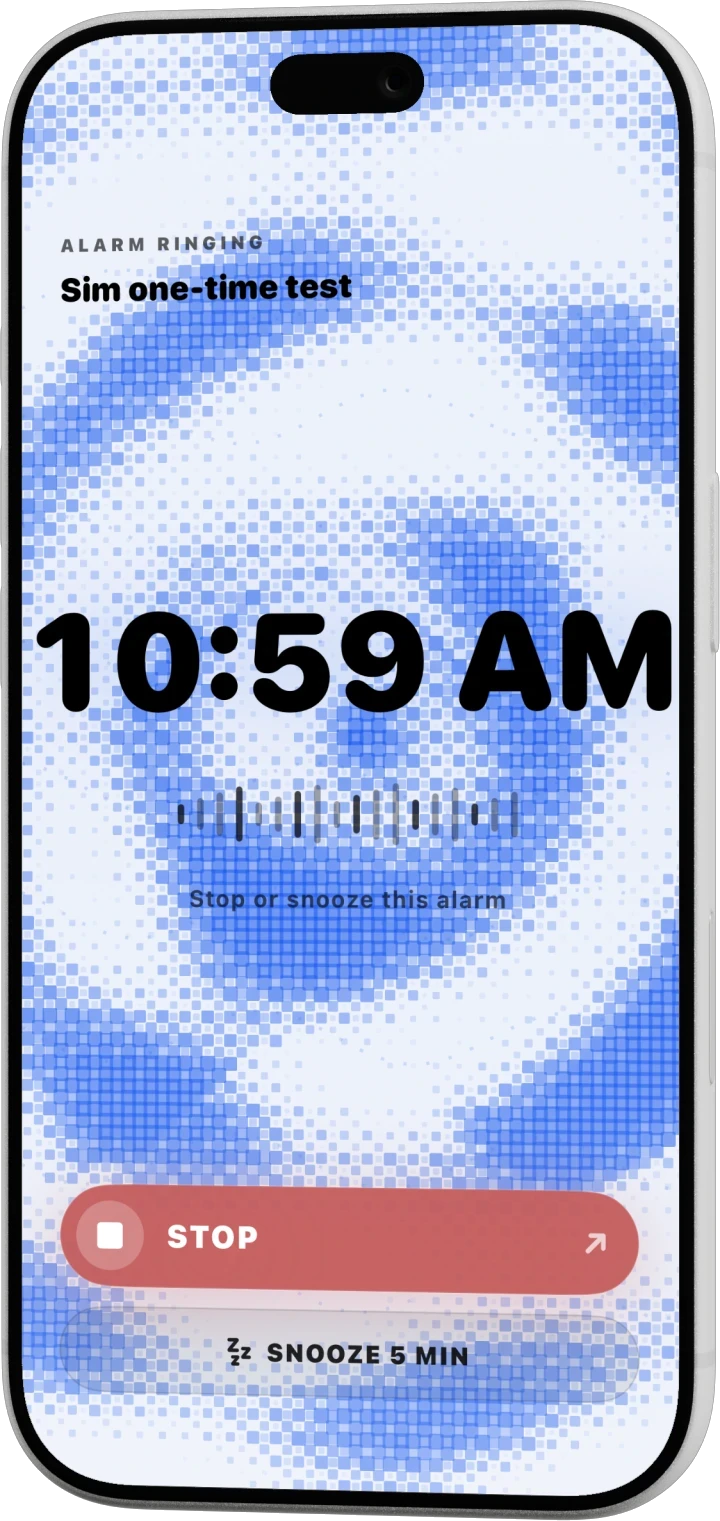
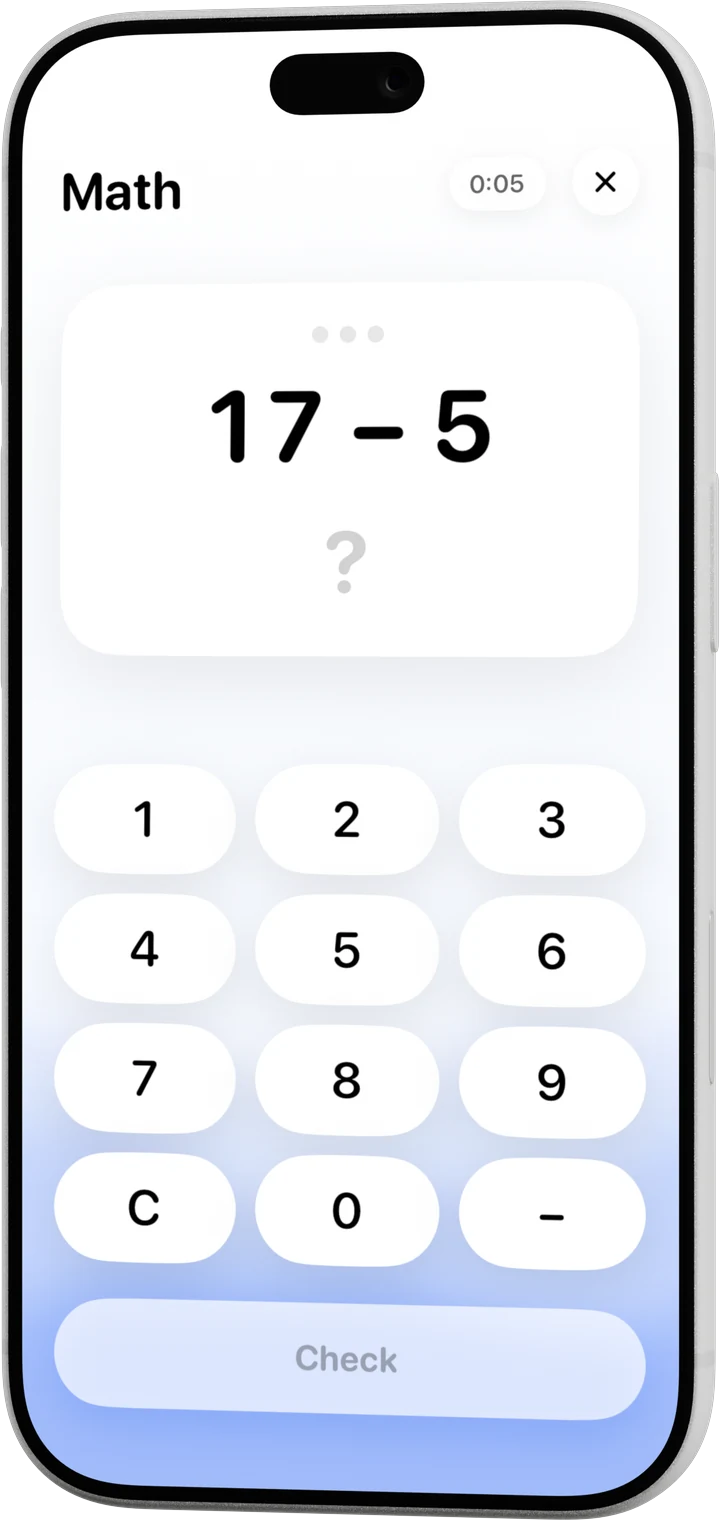
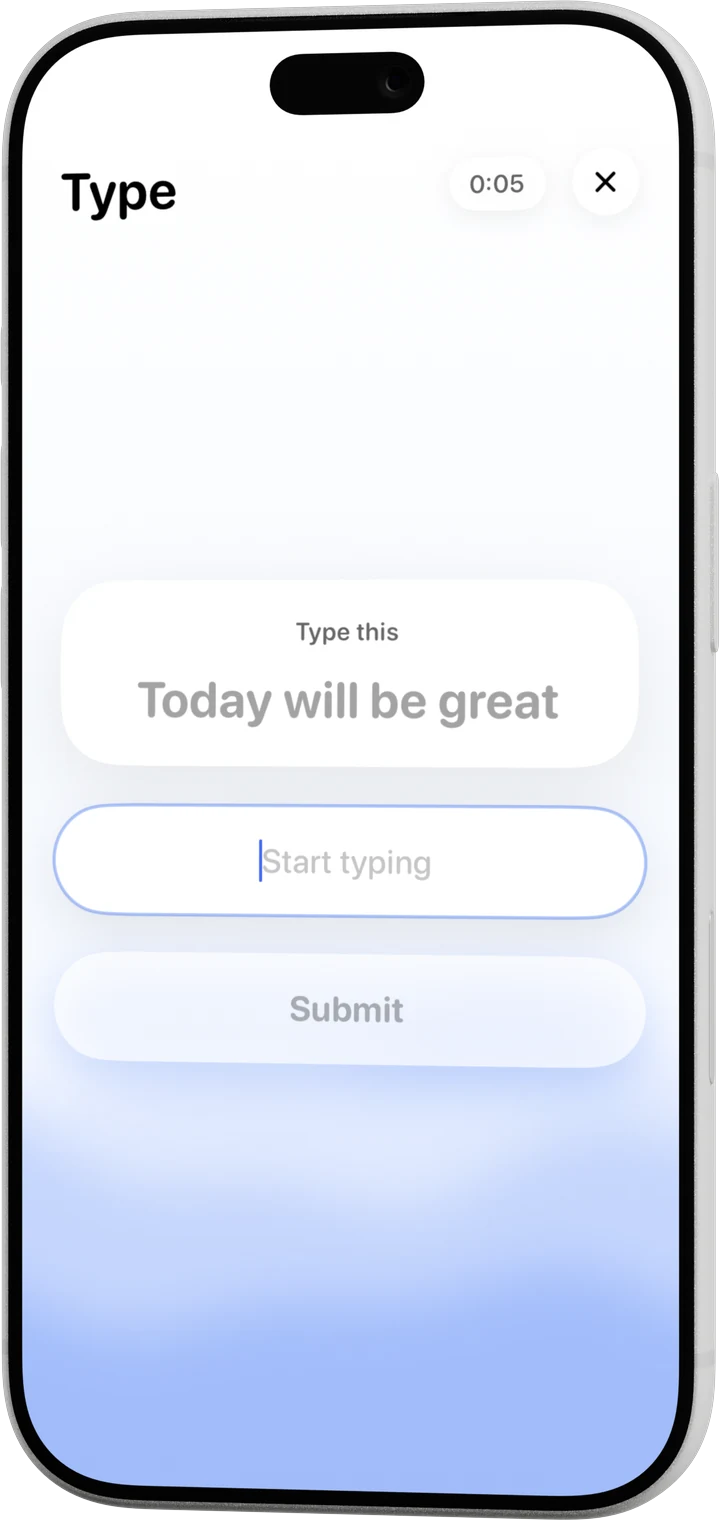
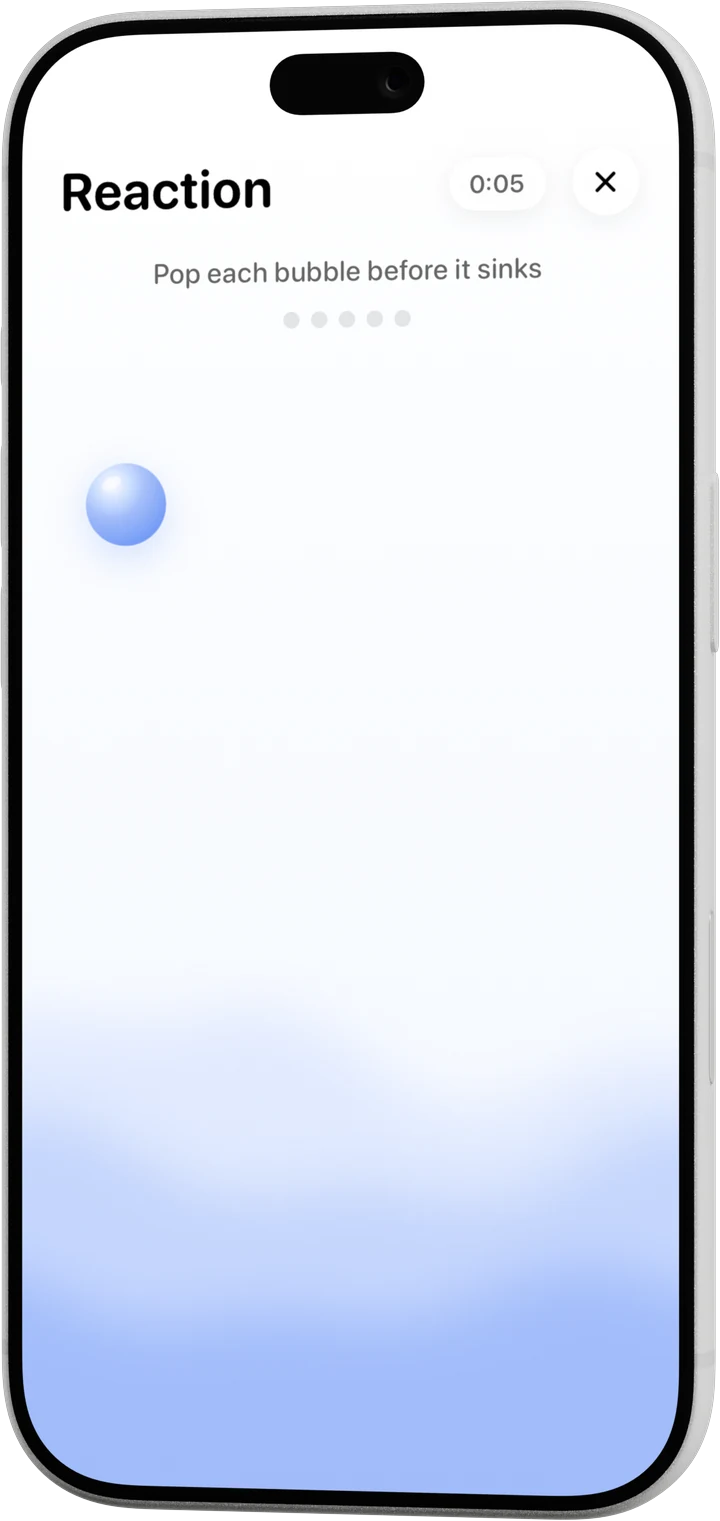
When it rings, the only way to quiet it is to show up: a quick sum, a typed line, a target you have to catch, a photo, or a few steps.
Puzzles
Math, Type and Reaction, plus Photo and Steps. Pick one per alarm, or chain them.
Everything else
Every alarm is a card in a stack: color, gradient, photo or GIF.
A Live Activity counts down to your alarm.
Mix a voice, a scene and music, or type what a voice should say.
Dawn peach, day blue, golden hour, night ink. The sky follows the hour you pick.
Set your first alarm before bed. Egersi handles the rest.